AI Voiceover for YouTube: How to Make Realistic Voiceovers That Get Monetized (2026)
Learn how to create realistic AI voiceovers for YouTube that keep viewers watching and stay monetized: scripts, voice choice, cloning, editing, YouTube's AI rules and real costs.
AI voiceovers have quietly become one of the most powerful tools on YouTube. Creators use them to publish more often, run faceless channels, reach new languages and skip hours of recording and editing.
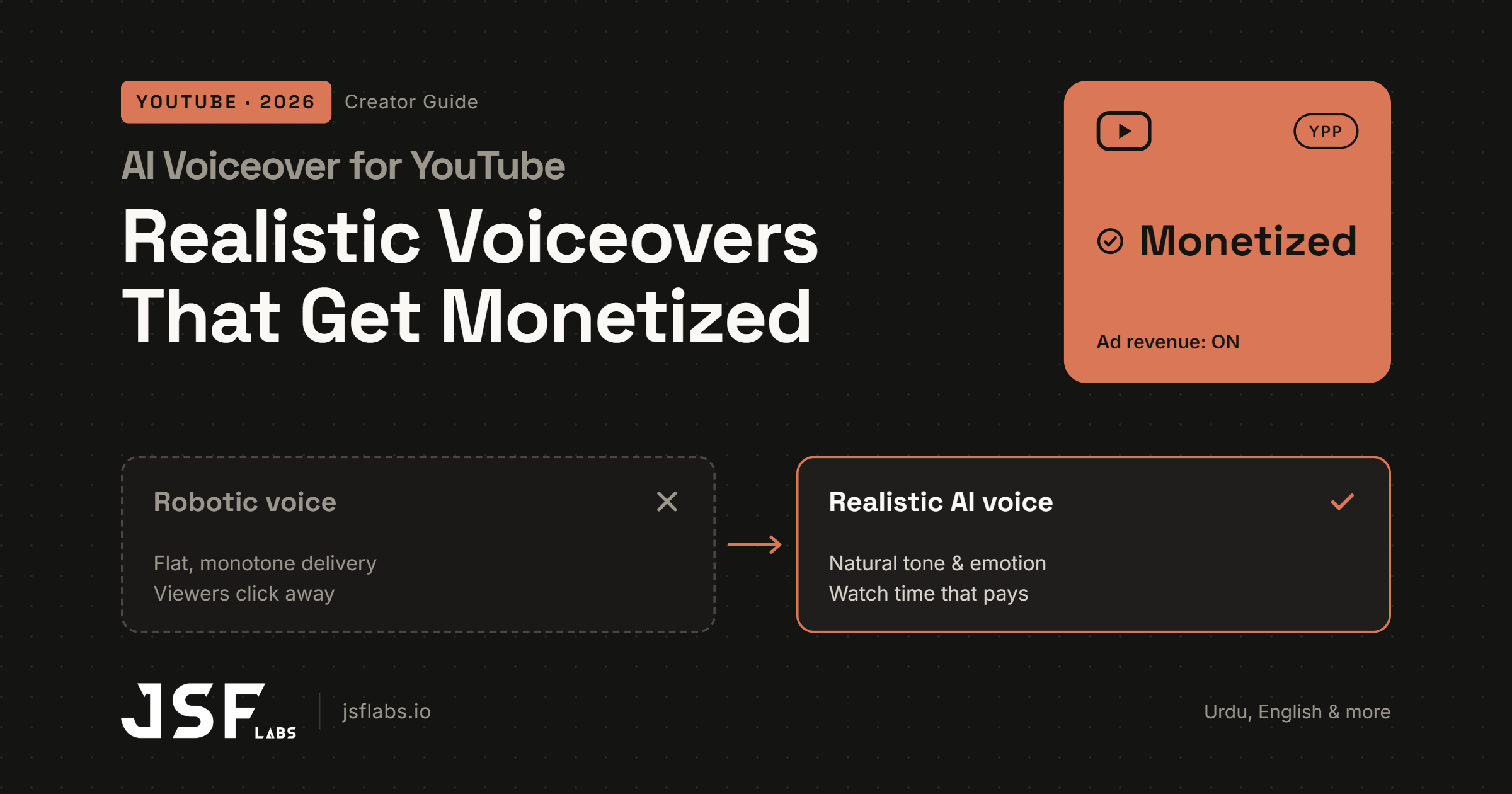
But not all AI voiceovers work. Flat, robotic narration kills retention, and in 2026 YouTube has been removing monetization from channels that pump out low-effort, mass-produced AI videos.
This guide shows you how to make AI voiceovers for YouTube that sound natural, keep viewers watching and stay monetized: from writing the script to choosing a voice, cloning your own voice, editing and following YouTube's latest rules.
What is an AI voiceover?
An AI voiceover is narration generated by text to speech (TTS) technology. You write a script, choose a voice (or clone your own), and the AI reads it aloud in a natural, human-like voice.
Modern AI voices can:
- Sound expressive, with natural pauses, emphasis and emotion
- Speak 200+ languages and accents
- Clone your own voice from a short recording
- Generate a 10-minute voiceover in seconds
Is AI voiceover allowed on YouTube?
Yes. YouTube does not ban AI voices, and using text to speech or a clone of your own voice is allowed and can be monetized.
What YouTube targets is low-effort content. In July 2025 YouTube renamed its "repetitious content" policy to "inauthentic content", covering videos that are mass-produced, templated or repetitive, whether or not AI was used. In 2026, enforcement has focused on channels that automate everything and add no real value.
What gets demonetized
- Fully automated videos: AI script → AI voice → random stock clips → publish
- Template videos where only the title or topic changes
- A static image or slideshow with a robotic voice reading copied text
- Reuploaded or barely edited content from other creators
What stays monetizable
- Original scripts that you research, write or substantially edit
- An AI voice or your own cloned voice narrating that original script
- Real editing decisions: pacing, visuals, captions and graphics
- A clear perspective, story or teaching style across your channel
Why creators use AI voiceovers
| Benefit | Why it matters |
|---|---|
| Speed | A 10-minute voiceover in seconds instead of an hour of recording and editing |
| Consistency | Same voice, tone and audio quality in every video |
| No setup | No mic, no soundproofing, no retakes |
| Privacy | Run a faceless channel without your voice or face online |
| Multilingual | Reach Spanish, Hindi, Arabic, Portuguese and other audiences with the same video |
| Scale | Publish more often, which helps growth |
| Easy fixes | Change one sentence without re-recording the whole video |
Step 1: Write a script that sounds good spoken
The script matters more than the voice. A great voice can't save a boring script.
A structure that keeps viewers watching
- Hook (0–15 seconds): a bold claim, surprising fact or question. "This tiny island controls 30% of the world's shipping, and almost nobody has heard of it."
- Promise: tell viewers what they'll get by staying.
- Main content: clear sections, each with one key idea.
- Open loops: tease what's coming ("but the strangest part is still ahead…") every 1–2 minutes.
- Payoff + call to action: deliver the promise, then point to the next video.
Write for the ear, not the eye
- Short sentences. They sound natural and give the AI clean phrasing.
- Conversational words. Write the way you'd explain it to a friend.
- Punctuation as direction. Commas create short pauses, full stops longer ones, and question marks lift the tone.
- Write numbers as spoken when pronunciation matters: "twenty twenty-six" or "2026".
- Avoid symbols and abbreviations the voice might read oddly, like "&", "e.g." and "vs.".
A 10-minute video usually needs 1,300–1,500 words.
Step 2: Choose the right voice for your niche
The voice should match your content's mood and audience.
| Niche | Voice style that works |
|---|---|
| Documentaries & history | Deep, calm, measured |
| True crime & mystery | Low, serious, suspenseful |
| Tech & tutorials | Clear, friendly, mid-paced |
| Finance & business | Confident, crisp, authoritative |
| Motivation & self-help | Warm, energetic, emotional |
| Kids' stories | Bright, expressive, playful |
| Meditation & sleep | Soft, slow, soothing |
| Top-10 & facts | Upbeat, punchy, faster pace |
Test before you commit: generate your hook in 3–4 different voices and pick the one you'd want to listen to for 10 minutes. Then stick with it, because a consistent voice becomes part of your channel's brand.
Step 3: Use stock voices or clone your own
Option A: Stock AI voices
Ready to use instantly, with hundreds of voices across languages and styles. They're great for testing ideas or running multiple channels.
Option B: Clone your own voice (recommended)
Record a short, clean sample once, and generate every future voiceover in your own voice. You get:
- An authentic, unique voice no other channel has
- A personal brand viewers recognise
- No daily recording
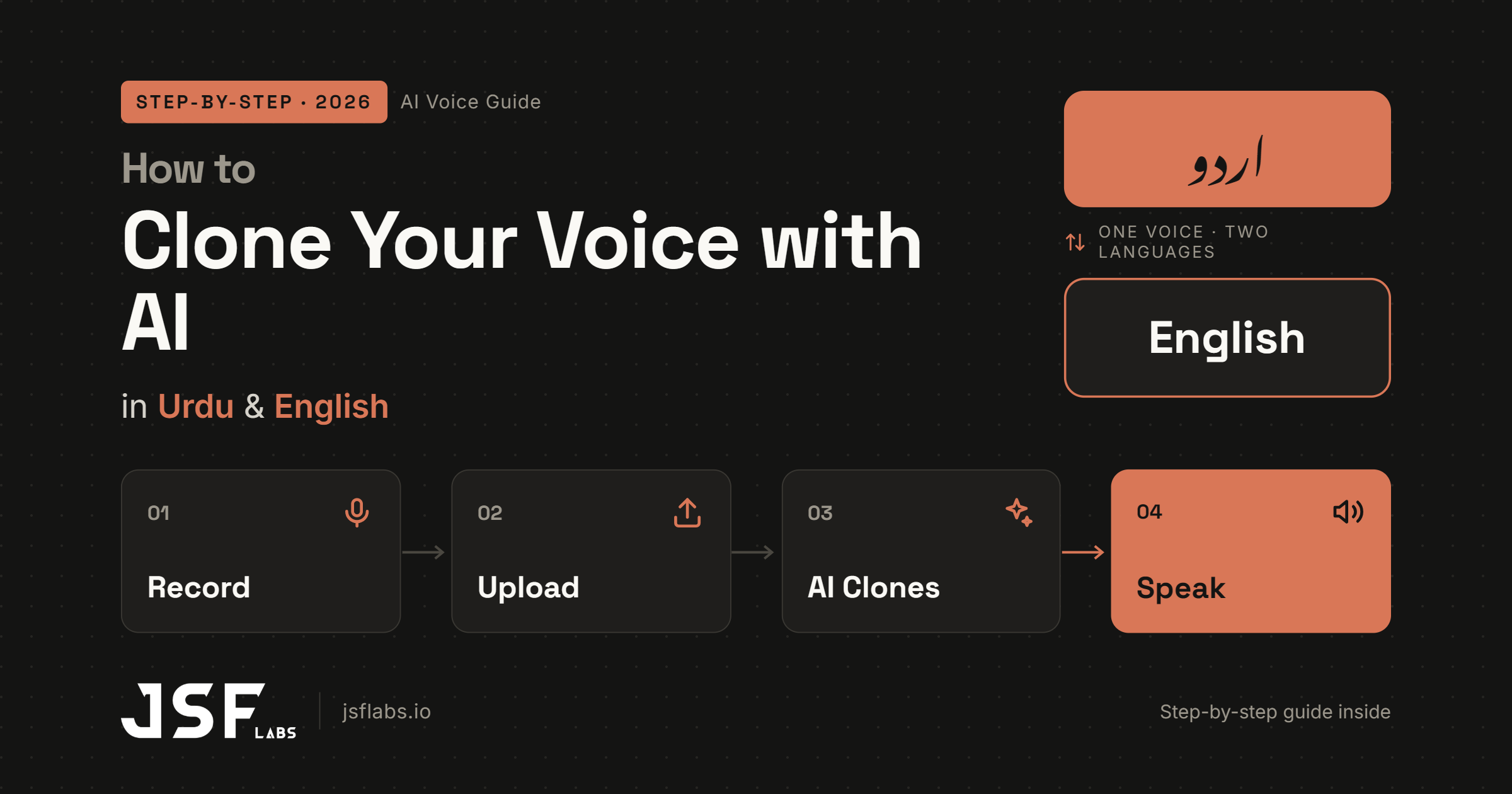
Follow our step-by-step guide on how to clone your voice with AI to get a high-quality clone.
Step 4: Generate your voiceover
Here's the workflow with JSF Labs:
- Sign up free at jsflabs.io. You get 10,000 free characters.
- Pick a voice or clone your own (unlimited cloning on every plan).
- Paste your script section by section. Shorter sections give more control.
- Generate and listen.
- Fix weak lines: tweak the punctuation or wording and regenerate just that part.
- Download the MP3 (or WAV if you'll do advanced editing).
Pro tips for natural results
- Generate intro, sections and outro separately, then join them in your editor.
- Add a short pause between sections for breathing room.
- If a word is mispronounced, spell it phonetically.
- Keep one voice per video, unless you're deliberately making a two-speaker format.
Step 5: Edit your voiceover into the video
Free editors are more than enough:
- CapCut: fast, with auto-captions
- DaVinci Resolve: professional and free
- Descript or Premiere Pro: if you already use them
Editing checklist
- Change visuals every 3–5 seconds to hold attention
- Add captions. Many viewers watch muted.
- Add soft background music from YouTube's Audio Library at a low level (around -20 to -25 dB under the voice)
- Normalize volume: aim for about -14 LUFS overall so your video matches others on YouTube
- Cut dead air and tighten pauses
- Use sound effects sparingly for emphasis
Step 6: Use visuals that add real value
Visuals are where many AI channels get lazy, and where good channels stand out.
- Licensed stock footage: Pexels, Pixabay, Storyblocks
- Your own B-roll: unique, safe and adds authenticity
- Screen recordings: for tutorials and software
- Maps, charts and diagrams: perfect for history, finance and science
- Motion graphics and text: to highlight key points
- AI images: as part of the story, not the whole video
Never use clips from movies, TV, news or other creators without permission.
Step 7: Translate your videos to reach new audiences
One of the biggest advantages of AI voiceovers is multilingual content. Translate your script, generate the voiceover in another language (even in your cloned voice), and either:
- Upload it as a separate channel for that language, or
- Add it as a multi-language audio track on the same video, where available
Spanish, Hindi, Portuguese, Arabic and Indonesian audiences are huge and often less competitive than English.
How much does an AI voiceover cost?
A 10-minute voiceover is about 8,000–9,000 characters. Here's what that costs:
| Provider | Price per 1M characters | Cost per 10-min video | Cost for 100 videos |
|---|---|---|---|
| JSF Labs | ~$2.5–4 | ~$0.02–0.04 | ~$2–4 |
| OpenAI (tts-1) | $15 | ~$0.13 | ~$13 |
| Google (Chirp 3: HD) | $30 | ~$0.26 | ~$26 |
| ElevenLabs API (v4) | $80 | ~$0.70 | ~$70 |
| ElevenLabs Creator plan | ~$182 (app credits) | ~$1.60 | ~$160 |
| Human voice actor | — | $50–300+ | $5,000–30,000+ |
With JSF Labs, 1 million characters is enough for about 110 ten-minute videos. Compare more options in our guide to the best ElevenLabs alternatives.
Common AI voiceover mistakes (and how to fix them)
| Mistake | Fix |
|---|---|
| Robotic, monotone delivery | Shorter sentences, better punctuation, a more expressive voice |
| Mispronounced names | Spell them phonetically |
| Voice too loud or quiet vs music | Duck the music under the voice; normalize to about -14 LUFS |
| Changing voices every video | Pick one voice (or clone yours) and stay consistent |
| Fully automated uploads | Add original research, editing and perspective |
| Long boring intros | Hook in the first 15 seconds |
| Copyrighted clips | Use licensed stock or your own footage |
Best YouTube niches for AI voiceovers in 2026
- Documentaries and history: long watch time, evergreen
- Science and space explainers: curious global audience
- Personal finance and investing: high advertiser rates
- Tech explainers and software tutorials: evergreen search traffic
- True crime and unsolved mysteries: very long sessions
- Business case studies: "how X company grew/collapsed"
- Psychology and self-improvement: highly shareable
- Kids' stories and education: repeat viewing (follow YouTube's "made for kids" rules)
Frequently asked questions
Can I monetize YouTube videos with AI voiceovers?
Yes. AI voiceovers are allowed and can be monetized. YouTube demonetizes mass-produced, low-effort content, not AI voices. Keep your scripts, research and editing original.
Does YouTube detect AI voices?
YouTube can identify some AI-generated content, but using an AI voice isn't a violation by itself. What matters is whether your content is original and valuable, and whether you disclose realistic synthetic media when required.
What is the most realistic AI voice for YouTube?
Leading platforms like ElevenLabs and JSF Labs offer very natural voices. The "best" voice depends on your niche. Test a few with your actual script and choose the one that fits your content's mood.
How much does an AI voiceover cost for YouTube?
With JSF Labs, a 10-minute voiceover costs only a few cents: 1 million characters (about 110 ten-minute videos) costs around $4, and less on bigger plans. Premium platforms can cost $0.70–1.60 per video, and human voice actors $50+.
Should I use my own voice or an AI voice?
Cloning your own voice gives you the best of both: an authentic, unique voice with the speed of AI. Stock voices are great for testing ideas or running multiple channels.
Can I make voiceovers in other languages?
Yes. Many AI voice platforms support dozens or hundreds of languages. JSF Labs supports 200+ languages, and your cloned voice can speak 85+ of them.
How long does it take to make an AI voiceover?
Generating the audio takes seconds. Most of your time should go into writing a great script and editing, which is exactly where your channel's value comes from.
Start creating better voiceovers today
AI voiceovers let you create more, faster, in any language, without sacrificing quality, as long as you pair them with original scripts and thoughtful editing.
Ready to try it? Start free on JSF Labs: 10,000 free characters, natural voices in 200+ languages, and unlimited voice cloning from about $2.5 per million characters.
#aivoiceover #youtube #texttospeech #voicecloning #facelessyoutube
Hear your words in a studio-grade voice.
Try JSF Labs text to speech and voice cloning free. No card needed.